Client: Personal Project
Made With: Visual Studio Code and HTML Validator
Time in Development: 8 Hours
Collaborators: Solo Project
Background
This project was developed to create a beginner-friendly lesson on building an HTML event flyer. Many novice web design students struggle to apply basic HTML tags in meaningful, real-world contexts. The goal was to design an authentic, performance-based task that connected foundational coding skills to a tangible product while keeping the technical scope manageable.
Solution Developed
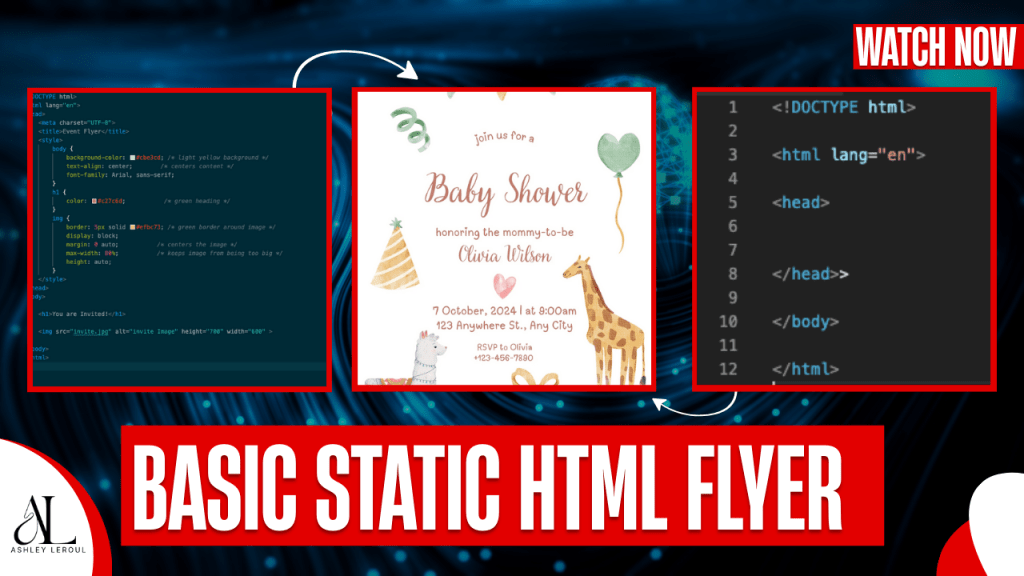
I designed a structured lesson plan that guided learners through creating an HTML event flyer using basic HTML and minimal CSS. The lesson included learning objectives, learner description, learning and performance contexts, storyboard planning, supportive resources, and an HTML checker for formative assessment. Development was completed in Visual Studio Code to model an authentic coding workflow.
The lesson also included screenshots of both the code in VS Code and the live webpage rendering in a browser, helping learners visually connect syntax to output. Constraints included limiting the content to foundational HTML skills and completing the project within an eight-hour timeframe. Balancing simplicity with real-world authenticity was the primary design challenge.
Results
The final product provided learners with a measurable, performance-based outcome: a functional HTML event flyer validated through an HTML checker. This project strengthened my ability to align objectives, instruction, and assessment while designing scaffolded technical content. It reinforced the value of authentic tools and applied learning experiences in beginner web development instruction.
You can find the video Walk through here:
 Ashley Leroul